
Claude Sonnet 4.6 Update: What It Does and How to Use It for Real Work
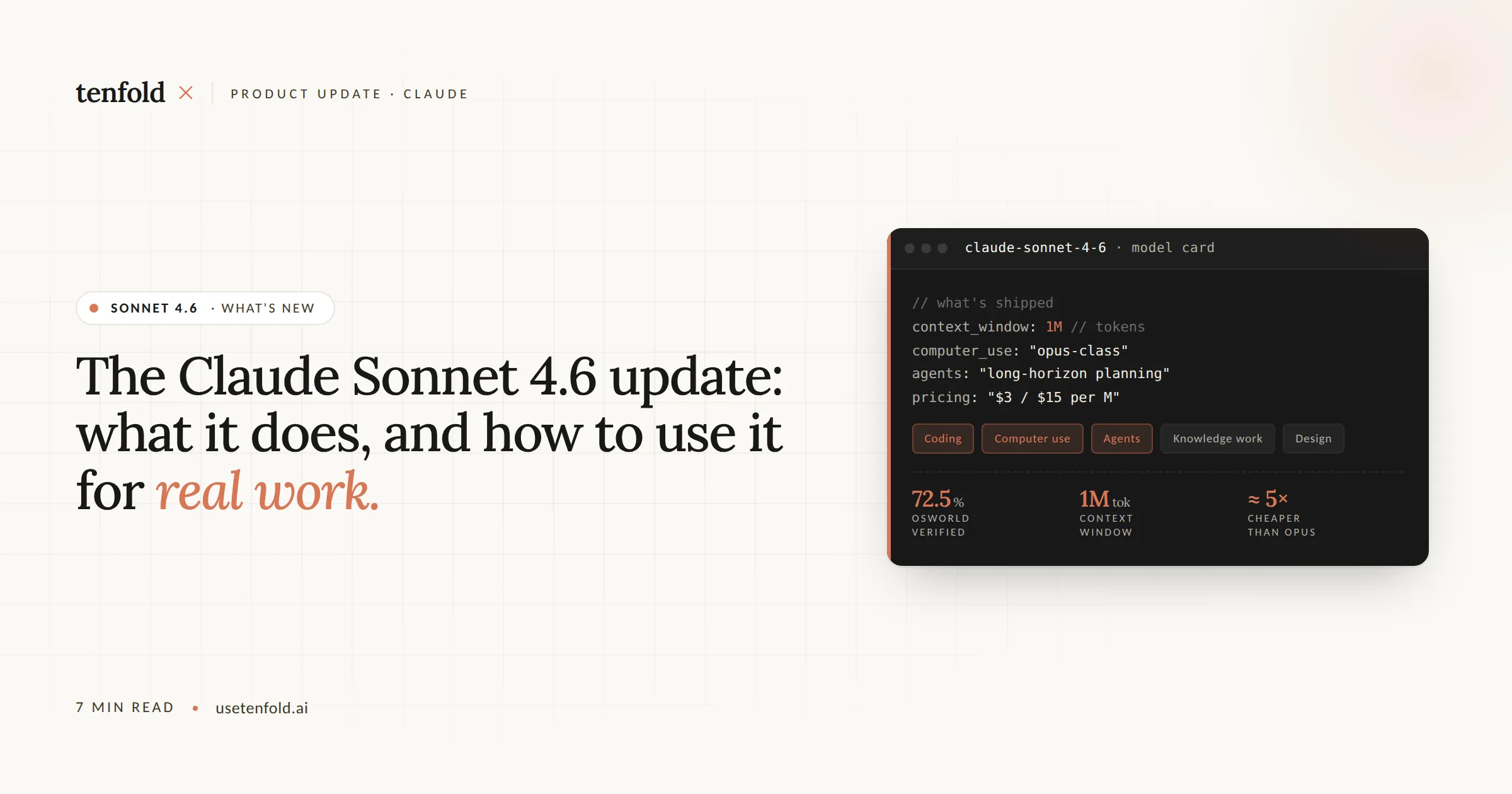
Claude Sonnet 4.6 is now the default model on Claude.ai's Free and Pro plans. It ships with four capabilities that meaningfully change what you can do in a single session: a 1-million-token context window, adaptive thinking, smarter web search with dynamic filtering, and persistent memory. This post breaks each one down in plain language and shows you how to use them.
Quick Answer: Claude Sonnet 4.6 is a full upgrade to Anthropic's mid-tier model. It processes up to 1 million tokens in one session, reasons adaptively based on task complexity, filters web search results with live code execution, and remembers context across conversations.
Key Takeaways:
The context window jumped from 200k to 1 million tokens, a 5x increase that lets you load entire codebases or document libraries in one prompt.
Adaptive thinking replaces the old binary "extended thinking" toggle. Claude now decides how deeply to reason based on the task.
Dynamic web search filtering uses live code execution to cut noise before results hit the context window.
Memory is now available to all users, including free-tier accounts, and updates automatically every 24 hours.
Step 1: Understand What Changed in Claude Sonnet 4.6
Claude Sonnet 4.6 is not a cosmetic update. It is a full upgrade across coding, computer use, long-context reasoning, and agent planning. According to Anthropic's release notes, Sonnet 4.6 was launched as the company's most capable Sonnet model yet, with improvements across every major skill category.
Here is the short version of what is new:
1M token context window (beta, API only)
Adaptive thinking engine replacing the old extended thinking system
Dynamic web search filtering using Python code execution
Persistent memory now available across all plans
Computer use improvements, with Sonnet 4.6 scoring 72.5% on the OSWorld-Verified benchmark
Each of these deserves its own walkthrough.
Step 2: Use the 1-Million-Token Context Window
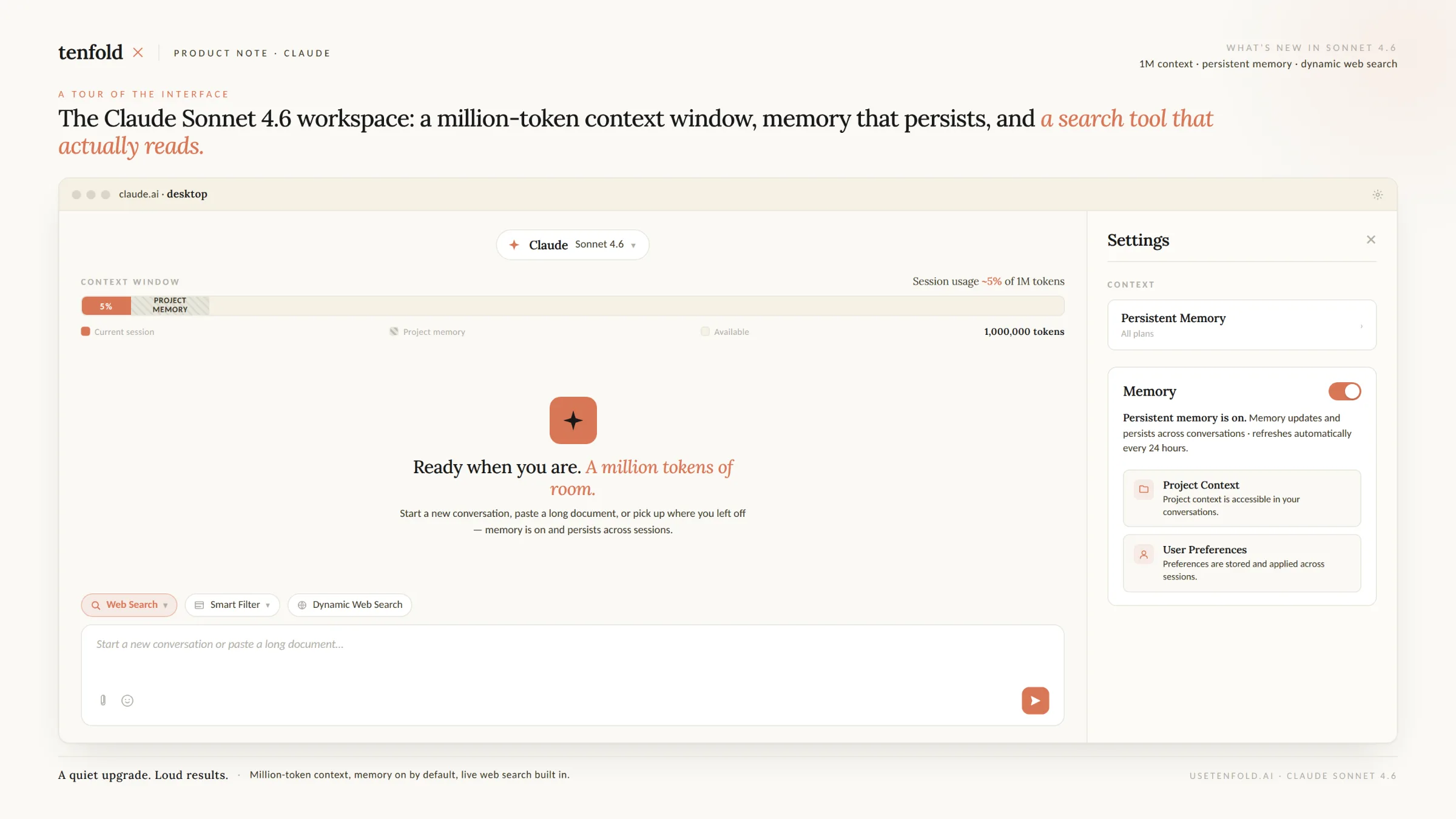
The biggest headline in this release is the context window. Sonnet 4.6 now supports 1 million tokens in beta on the API.
For context: the previous Sonnet 4.5 had a 200k-token window. This is a 5x increase. According to Neowin's coverage of the release, the expanded window now allows users to analyze dozens of research papers or entire codebases inside a single conversation.
According to Amazon Bedrock's documentation, that expanded context length allows for large-scale code analysis, lengthy document synthesis, and the creation of more sophisticated context-aware agents that can maintain coherence across hundreds of tool calls.
How to access it:
1. Go to the Claude API at platform.claude.com.
2. Use the model identifier `claude-sonnet-4-6`.
3. The 1M token window is available in beta. Regular subscribers on claude.ai still use the standard context window for now.
4. Pricing stays the same: $3 per million input tokens and $15 per million output tokens, with no long-context surcharge.
According to The New Stack, Anthropic removed the long-context pricing premium for Sonnet 4.6 entirely, meaning a 900k-token request is billed at the same per-token rate as a 9k-token request.
One important note: bigger is not always better. According to Anthropic's context window documentation, as token count grows, accuracy and recall can degrade, a phenomenon known as context rot. Curate what you load into context, not just how much.
Step 3: Enable Adaptive Thinking
The old "extended thinking" system in Claude required you to manually set a token budget for reasoning. That is now deprecated.
Sonnet 4.6 introduces adaptive thinking, accessed via `thinking: {type: "adaptive"}` in the API. According to Anthropic's Claude 4.6 release documentation, Claude dynamically decides when and how much to think based on task complexity. At high effort, Claude almost always thinks. At lower effort levels, it may skip reasoning for simpler problems.
For developers who built workflows around `budget_tokens`, here is what to do:
1. Replace `thinking: {type: "enabled", budget_tokens: N}` with `thinking: {type: "adaptive"}`.
2. Use the `effort` parameter to control reasoning depth: `"high"` for complex tasks, `"low"` for fast turnaround on simple ones.
3. Remove the `betas=["interleaved-thinking-2025-05-14"]` header if you are using Opus 4.6. Adaptive thinking enables interleaved thinking automatically.
According to MarkTechPost's analysis of the release, for a developer debugging a complex race condition, adaptive thinking means the model identifies the root cause in its reasoning stage rather than guessing in the code output. That is the practical difference between a model that responds fast and one that actually solves the problem.
Step 4: Get Better Results from Web Search with Dynamic Filtering
Claude's web search tool got a meaningful upgrade in Sonnet 4.6. It now uses Python code execution to filter results before they enter the context window.
According to Anthropic's API documentation, Claude can write and execute code to filter results before they reach the context window, keeping only relevant information and improving accuracy while reducing token consumption.
According to MarkTechPost, this increased search accuracy from 33.3% to 46.6% in internal testing. The model performs a multi-step retrieval process: it runs an initial search, parses HTML, and applies filters to keep signal-to-noise ratio low.
How to enable it:
1. Use the tool versions `web_search_20260209` or `web_fetch_20260209` in your API requests.
2. Code execution is free when used alongside web search or web fetch. No additional charges beyond standard token costs.
3. Claude will automatically apply dynamic filtering without additional prompting.
This matters for enterprise workflows where you are piping search results into downstream reasoning tasks. Fewer irrelevant results means faster, cheaper, more accurate outputs.
Step 5: Turn On Persistent Memory
Memory is now available to all Claude users, including those on free accounts, as of March 2026. Here is how it works and how to use it.
According to Anthropic's support documentation, Claude automatically summarizes your conversations and creates a synthesis of key insights across your chat history. This synthesis updates every 24 hours and provides context for every new standalone conversation.
How to enable memory:
1. Navigate to Settings in Claude.ai.
2. Click Capabilities.
3. Toggle memory on.
You have two options for disabling memory if needed:
Pause memory: Claude keeps its existing memory but stops creating new memories.
Reset memory: Permanently deletes all memories. This cannot be undone.
A few things to know:
Project chats have their own separate memory space, kept distinct from your general chat history.
Incognito chats do not contribute to memory and are not visible in your chat history.
Enterprise plan Owners can enable or disable memory organization-wide from Organization Settings.
For teams building agent workflows, Claude Code has its own memory system called auto memory. According to Anthropic's Claude Code documentation, auto memory lets Claude accumulate knowledge across sessions without you writing anything, including build commands, debugging insights, architecture notes, and workflow habits.
What This Means for Teams Evaluating Claude at Scale
At Tenfold, we work with C-suite and operations leaders who are deciding whether to commit to AI agent infrastructure. Claude Sonnet 4.6 matters to that decision for a specific reason: it closes the gap between a capable model and a production-ready one.
The 1M context window means agents can process whole datasets without chunking. Adaptive thinking means compute is allocated where complexity actually exists. Dynamic filtering means search-augmented pipelines return higher-quality results at lower cost. And memory means agents carry forward the context they build, session to session, without manual re-prompting.
None of those features are magic. They are structural improvements that make agentic workflows more consistent and cheaper to run. That is the basis on which enterprise AI decisions should be made.
Summary
Claude Sonnet 4.6 is now the default model on claude.ai and ships with a 1M-token context window (API beta), adaptive thinking, smarter web search with dynamic filtering, and persistent memory across all plans. Each feature is practical and available today. If your team is evaluating AI agent infrastructure, this release raises the baseline for what a mid-tier model can reliably do. At Tenfold, we help organizations implement these capabilities at speed, with the same agent-first delivery model we use internally.
Frequently Asked Questions
Q: Is the 1-million-token context window available on the free Claude.ai plan?
A: Not yet. The 1M token context window is currently in beta and available through the Claude API only. Free and Pro plan users on claude.ai still use the standard context window for now.
Q: What is adaptive thinking and how is it different from extended thinking?
A: Adaptive thinking is the new default reasoning mode for Claude 4.6 models. Instead of requiring you to set a manual token budget for reasoning, Claude now decides how much to think based on task complexity. You control depth with an effort parameter rather than a fixed budget.
Q: How do I enable Claude's memory feature?
A: Go to Settings, click Capabilities, and toggle memory on. Memory is now available to all users including free accounts. You can pause or reset memory at any time from the same settings panel.
Q: Does Claude's dynamic web search filtering cost extra?
A: No. According to Anthropic, code execution is free when used alongside web search or web fetch tools. You only pay standard input and output token costs.
Q: How does Claude Sonnet 4.6 compare to Opus 4.5 for coding tasks?
A: According to Anthropic's release data, early Claude Code users preferred Sonnet 4.6 over Opus 4.5 in 59% of head-to-head evaluations. For most engineering tasks, Sonnet 4.6 delivers near-Opus performance at a lower cost.
